Start Software Development in 2026

If you're trying to learn software development in 2026 by opening a 60-hour course from 2019 that spends four hours teaching you to write manual loops in vanilla JavaScript while configuring Webpack from scratch, you're doing it wrong.
Not because those fundamentals don't matter. They do. But the way we actually build software has changed so fundamentally that following old roadmaps is like learning to drive by studying horse carriages.
Software development in 2026 isn't about wrestling with syntax errors or spending three days writing boilerplate CRUD handlers. You're not just typing code anymore. You're designing systems, making architectural decisions, and directing AI tools to execute your vision.
This guide is what I wish someone had told me when I started. It's raw, practical, and focused on building things that work and feel good to use.
The Mindset Shift: You're an Architect Now
To understand software engineering in 2026, you need to understand what actually changed.
For most of programming history, the bottleneck was syntax translation. You had an idea in your head, and 80 percent of your energy went into translating that idea into valid code, configuring build tools, and fixing missing semicolons.
In 2026, AI handles the mechanical translation. Your leverage comes from your ability to think clearly about systems, define what you want precisely, and evaluate whether the output is actually good.
+-------------------------------------------------------------------+
|                        THE 2026 PARADIGM                          |
+-------------------------------------------------------------------+
|  1. System Architecture -> Define modules, schemas, data flow     |
|  2. Agent Orchestration -> Direct AI models with clear specs      |
|  3. Quality Control     -> Review, test, verify UX                |
+-------------------------------------------------------------------+
When you approach development this way, everything changes. A single developer can now build and deploy in a weekend what previously needed a team and three months. Not because the work is easier, but because you're spending your time on the parts that actually matter.
What People Mean by Vibe Coding
The term "vibe coding" started as a joke, but it captures something real about how the best developers work with AI tools.
Vibe coding isn't about blindly pasting prompts and hoping something works. That leads to broken code, hallucinated libraries, and hours of debugging AI-generated nonsense.
Real vibe coding is when your mind stays at the level of product design and system architecture while AI handles the implementation details. You're in flow because you're thinking about what should exist, not about where to put the curly braces.

How It Actually Works:
-
You specify what you want: Describe the feature, the constraints, the edge cases. Not just "build a login" but "build a login that handles email validation, shows clear error messages, and rate limits attempts."
-
AI generates the implementation: It creates the code, runs tests, suggests improvements. You review the diffs, check that the logic makes sense, verify the edge cases are handled.
-
You verify it works: Run the build, check the network requests in dev tools, read the logs, make sure nothing breaks when you actually use it.
When these three stages work together, development feels effortless. Your thoughts move directly into working software without getting stuck on syntax.
Token Economics: Your Context Window is Finite
Every prompt, every file you share, every log output you paste consumes tokens. Tokens are the currency of AI-assisted development, and most beginners waste them badly.
The most common mistake is context dumping. You throw fifty files, thousands of lines of logs, and three different error messages into the chat and expect the AI to figure it out. This creates what I call context rot.
When your context window is cluttered, the AI loses focus. It forgets constraints you mentioned earlier. It starts generating code that doesn't match your actual codebase. It hallucinates imports that don't exist.

How to Keep Your Context Clean:
-
Small files: Keep source files focused. Aim for under 200 lines when possible. Small files with single responsibilities are easier for AI to read, modify, and verify accurately.
-
Share interfaces, not implementations: Pass type definitions and function signatures instead of thousands of lines of code. The AI needs to understand the contract, not every implementation detail.
-
Fresh conversations: Once a feature is done and working, start a new chat for the next task. Don't carry thirty turns of debugging conversation into a brand new feature.
-
Write documentation: Keep clear markdown files in your repository describing conventions, folder structure, and design decisions. A well-written spec helps AI understand your codebase instantly.
The 2026 Tech Stack
You don't need the latest hyped framework. You need tools that are stable, well-documented, and work well with AI assistants.
| Stack Layer | Technology | Why It Works in 2026 |
|---|---|---|
| Framework | Next.js 16 (App Router) | Server Components, fast HMR, edge deployment |
| Language | TypeScript 5.8+ | Type safety catches AI mistakes before runtime |
| Styling | Vanilla CSS with design tokens | No runtime overhead, easy for AI to understand |
| Database | PostgreSQL via Supabase | Row-level security, real-time, generous free tier |
| AI Tools | Cursor, Claude, GitHub Copilot | File editing, agentic workflows, code review |
| Deployment | Vercel or Cloudflare | Global CDN, fast response times, simple CI/CD |
The point isn't to use every tool here. It's to pick a stack that removes friction so you can focus on building your actual product.
Building UIs That Don't Feel Generic
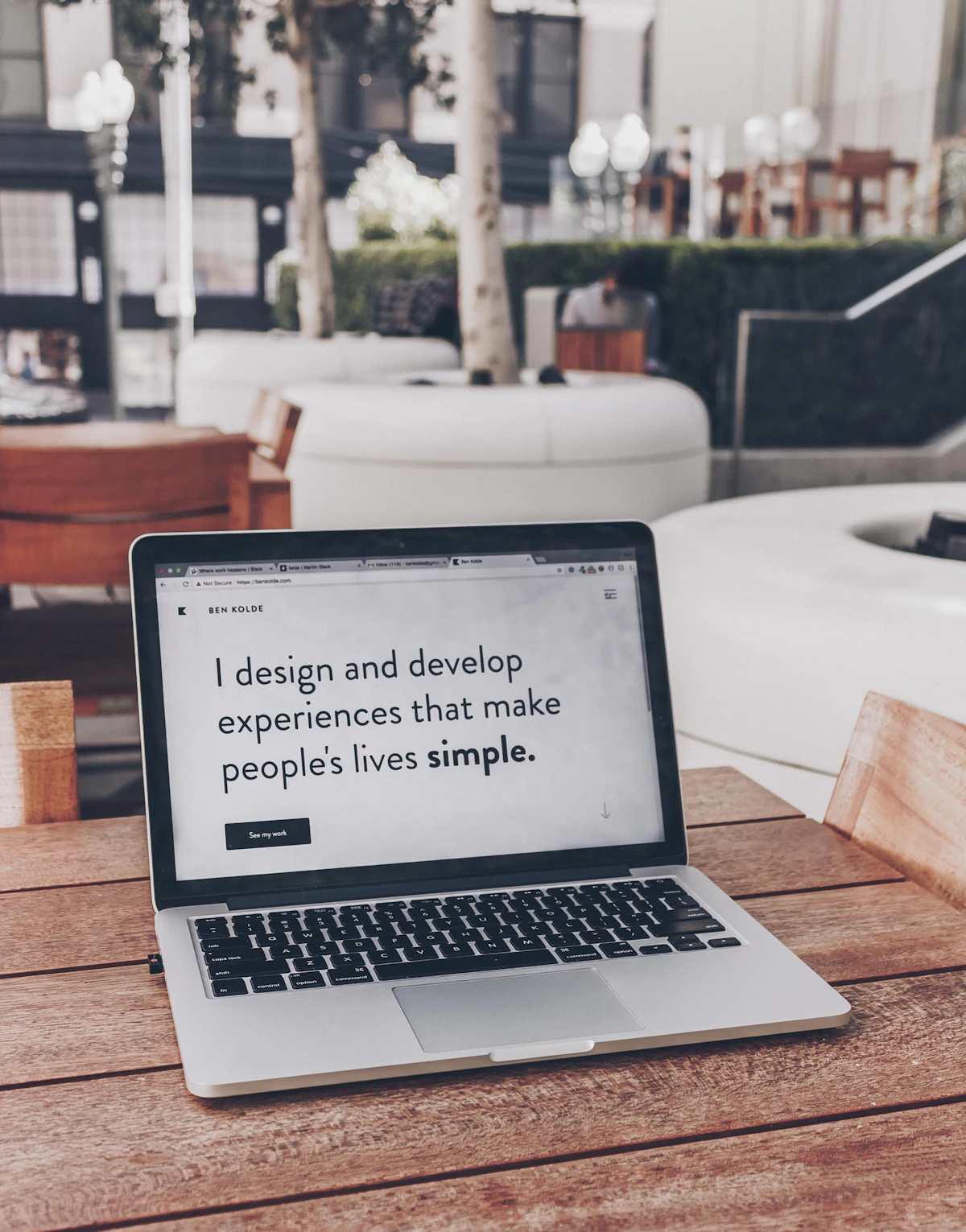
Your app can have perfect backend logic, but if the interface looks like a 2015 Bootstrap template, people will assume the whole thing is low quality. First impressions are visual.
What Makes UI Feel Polished:
-
Thoughtful colors: Avoid pure black (
#000000) and default grays. Use slightly desaturated, dark tones (hsl(224, 71%, 4%)) with subtle borders (rgba(255, 255, 255, 0.08)). The difference is small but noticeable. -
Clear typography: Use different fonts for different purposes. A display font for headings, a clean sans-serif for body text, a monospace for code and numbers. Hierarchy matters.
-
Subtle depth: Create layers with background blurs (
backdrop-filter: blur(12px)), semi-transparent surfaces, and soft shadows. Flat interfaces feel cheap. -
Responsive interactions: Buttons should respond when clicked (
active:scale-[0.98]). Cards should lift on hover. Pages should transition smoothly. These micro-interactions make interfaces feel alive.
None of this requires complex animation libraries. It's just CSS, applied consistently.
Reading Errors Without Panicking
Software breaks. No matter how good your AI tools are, you'll encounter errors. Your ability to diagnose problems quickly separates experienced developers from beginners.
When an error appears, don't panic and paste random text into AI. Follow a systematic approach:
// This fails if user or profile is undefined
export function UserProfileUnsafe({ user }: { user: User | null }) {
  return (
    <div className="profile-card">
      <h2>{user.profile.displayName}</h2>
      <p>{user.profile.metadata.bio}</p>
    </div>
  );
}

// This handles edge cases gracefully
export function UserProfileSafe({ user }: { user: User | null }) {
  if (!user || !user.profile) {
    return (
      <div className="h-24 w-full animate-pulse rounded-xl bg-muted/40" />
    );
  }

  const bio = user.profile.metadata?.bio ?? "No bio provided.";

  return (
    <div className="surface-3d rounded-xl border border-white/10 p-6 backdrop-blur-md">
      <h2 className="text-lg font-medium text-foreground">
        {user.profile.displayName}
      </h2>
      <p className="mt-1 text-sm text-muted-foreground">{bio}</p>
    </div>
  );
}
A Practical Debugging Process:
-
Find the exact error: Read the full stack trace. Note the file path, line number, and error message. Don't skip this step.
-
Understand what broke: Was it a null property access? An unhandled Promise? A network timeout? A hydration mismatch between server and client?
-
Figure out why: Before changing anything, understand the conditions that caused the failure. What input triggered it? What state was the app in?
-
Fix the root cause: Modify the underlying issue, not just the symptom. Re-run tests. Verify the fix doesn't break something else.
This process feels slow at first. It becomes automatic with practice.
Shipping Things and Building in Public
The goal of software engineering is to build things people actually use. An imperfect project deployed live beats a flawless project sitting on your local machine.

How to Actually Grow as a Developer:
-
Build real projects: Create a portfolio site with live, working applications. Not screenshots. Not mockups. Actual apps people can interact with.
-
Share your process: Write about what you built, what problems you encountered, how you solved them. Post short videos showing features. Share architectural decisions and why you made them.
-
Launch early: Get a working version out quickly, then improve it based on actual user feedback. Perfection is the enemy of shipping.
-
Polish the details: Favicons, social preview cards, fast page loads, keyboard navigation. These small touches signal that you care about quality.
The Real Advantage in 2026
Software development in 2026 is one of the most accessible creative disciplines in history. The barriers to entry have never been lower. The output possible for an individual has never been higher.
You don't need to be intimidated by how fast technology moves. You don't need to memorize every framework or read every tutorial.
Focus on thinking clearly about systems. Learn to direct AI tools effectively. Keep your codebase organized. Pay attention to how your interfaces feel. Ship things you're proud of.
Close the tutorial tabs. Open your editor. Build something.
"Some people inherit opportunities. Others spend years creating them."
I belong to the second group. So do you.